The AI Spotter for construction
Talk to your project.
Issues, sheets, and crews in one app — voice, chat, or tap.
Pre-launch · 2026 cohort closing soon
Construction still runs on…
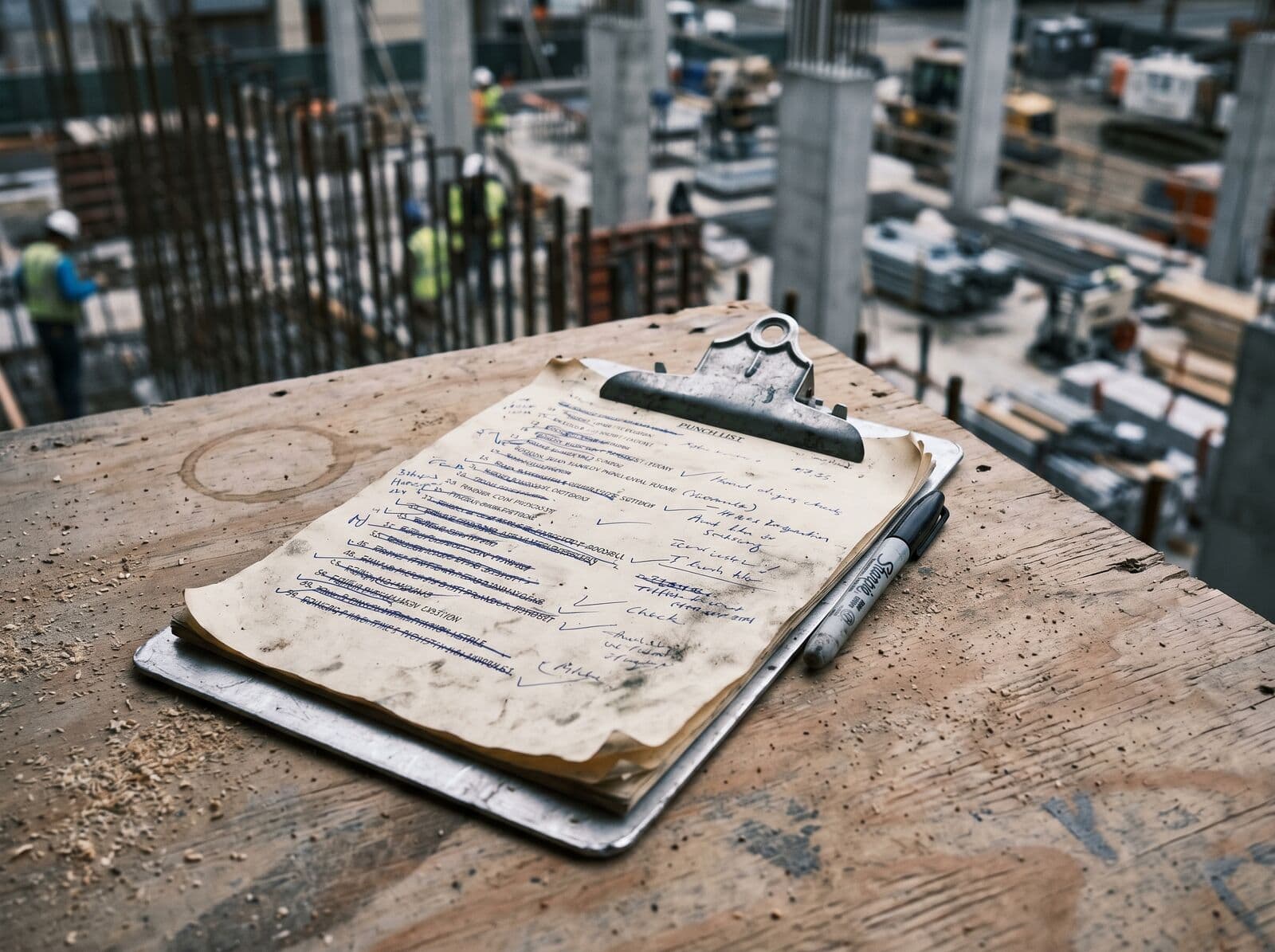
Paper punch lists.
Punch walks done with a clipboard and a Sharpie, photographed at the truck, retyped Monday.
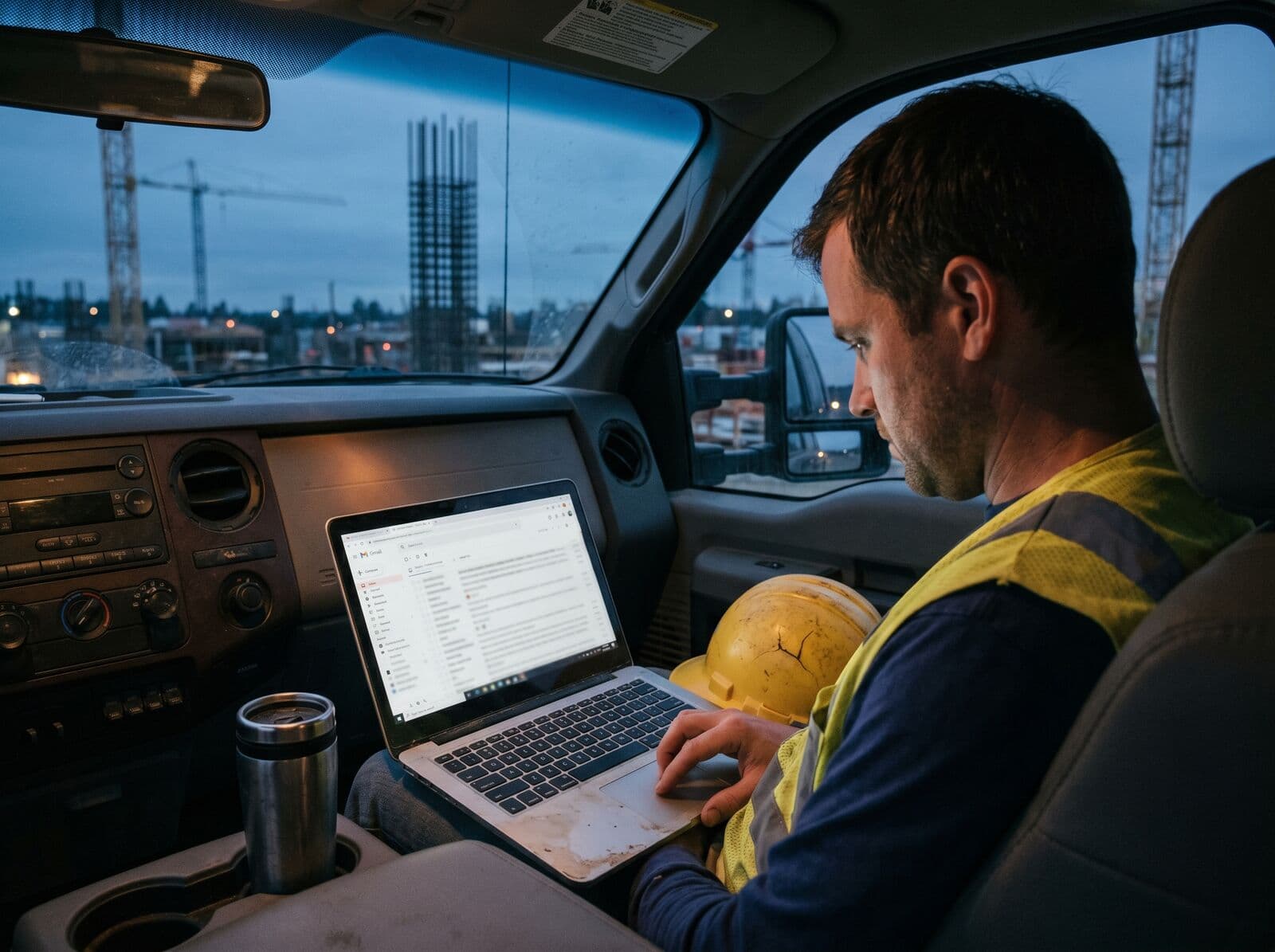
Email threads no one reads.
"Per my last email" is the most expensive sentence on the job.
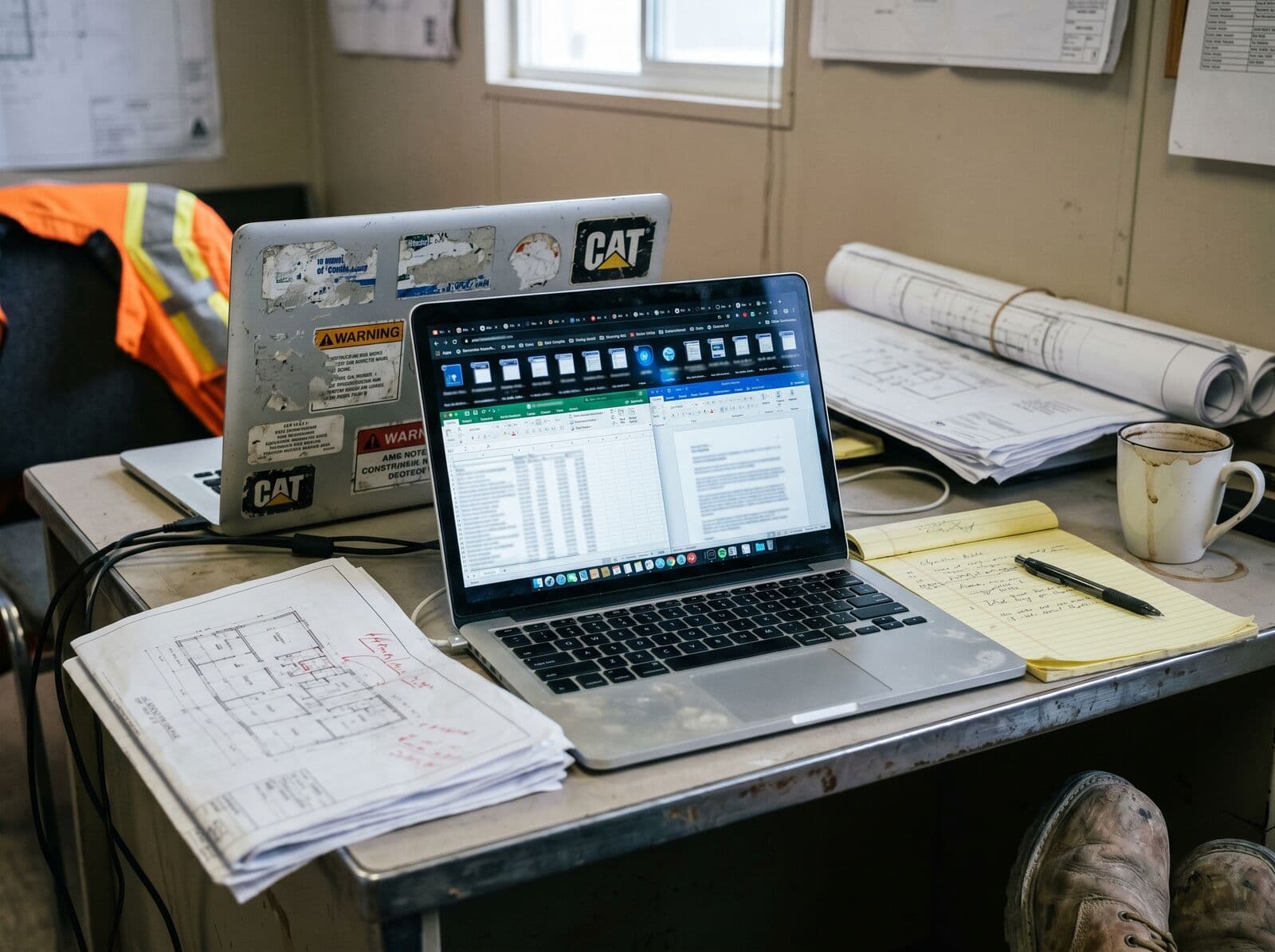
ACC tabs no one opens.
$190/seat/month for software the field doesn't touch.
What if your project answered back?
Three real moments. Speak. Done.
"crack on grid C-4 level 2"
"sheet B-02 was revised yesterday, latest?"
"close out the punch on unit 12"
How it works
From spoken sentence to closed issue.
Four steps. No menus, no retyping. The flow that replaces a clipboard, an email, and three open tabs.
- Step 01Speak
Voice or chat.
"Crack on grid C-4 level 2."
- Step 02Understand
Spotter parses context.
Project, location, severity, who owns it.
- Step 03Act
Right screen, right action.
Issue filed · sheet pinned · super paged.
- Step 04Record
Logged automatically.
Audit trail, photos, timeline. No retyping.
Pillar 01
Stop hunting through menus.
Chat is the primary input. Type or speak, and your Spotter opens the right screen, files the right issue, pins the right sheet. Menus are the fallback, not the default.
Pillar 02
Built for slabs, dust, and one bar of LTE.
Voice capture, photo-first issues, and bilingual crew tools for the 27% of US construction workers who speak Spanish at work.
Pillar 03
Same app. Different views.
Roles aren't license tiers — they're context. The same data, filtered to what each person actually cares about. No per-seat module pricing.
What changes on day one
Build the project, not the paperwork.
Design targets we hold ourselves to — what a crew should feel the first week with Spotter.
0
clipboards
Punch lists, observations, and daily logs all live in chat.
<3s
voice → action
Speak the issue. Spotter files, pins, and pages — before you walk away.
EN + ES
bilingual
OSHA toolbox talks, safety logs, and crew sign-off in both languages.
1
app
Issues, sheets, RFIs, waivers, and crews — same tab, same prompt.
What's in the app today.
Pre-launch — these are the ones we'd ship if we had to ship tomorrow.
Voice capture
Hold-to-talk; transcription auto-fills title, type, and pin.
Sheet pins
Tap a drawing, drop a colored pin, annotate with freehand drawing.
Issue triage
Status, priority, root cause, cost/schedule impact, watchers.
Slash commands
Type / for instant access to budget, RFIs, lien waivers, safety, and more.
Bilingual interface
Full EN/ES support across all screens and AI-generated toolbox talks.
Multi-project feed
One conversation per project, switchable from the menu.
01
Every report, one keystroke.
Type / to pull spend, open RFIs, missing waivers, or a daily safety log — without leaving the chat.
02
Know before the draw.
Live spend vs. budget bar, daily burn rate, and severity alerts. Ask /budget or open the project card.
Budget
South Tower — Phase 2
68%
Daily Burn
$8,400 / day
Days Remaining
131 days
03
Stop chasing the architect.
Every open RFI, its age, and who's holding it. /rfi surfaces overdue first.
RFIs
3
Overdue
11
Open
28
Answered
Slab edge condition at Grid D
MEP coordination — Level 3
Curtain wall anchor spacing
Avg response: 6.2 days
04
Don't get surprised at closeout.
Track every sub's conditional and final waivers by pay cycle. Missing waivers are flagged automatically.
Lien Waivers
05
Toolbox talks your whole crew can read.
AI-generated OSHA-format toolbox talks in English and Spanish. Crew sign-off built in.
English
Fall Protection — Working at Heights
- —Always use fall protection at heights above 6 ft.
- —Inspect harness and anchor points before each shift.
- —Never disconnect without a secondary tie-off in place.
Español
Protección contra Caídas
- —Use siempre protección a más de 6 pies de altura.
- —Inspeccione el arnés y los puntos de anclaje antes de cada turno.
- —Nunca se desconecte sin un anclaje secundario.
Crew sign-off
06
Mark it up without printing it.
Freehand drawing, color picker, issue pins placed at the exact spot on the drawing.
Built for everyone on the slab.
General Contractors
Run multiple projects from one feed.
- Cross-project issue feed
- Sub coordination
- Closeout-ready audit log
Subcontractors
Stop juggling six different Procore logins.
- Pings for your trade only
- Photo-first reporting
- Free for crew users
Owner-builders & supers
Your whole site, in your pocket.
- Voice notes from the field
- Daily summary
- No PM team needed
Why we exist
The construction industry runs the modern world, and it's still running it on email threads and clipboards. Every super we've talked to has the same story — they're great at building things, and bad at typing. The software they're sold makes them slower, not faster.
So we built the thing they actually wanted. Not another tool with another tab. A Spotter. They speak, it acts. They walk a slab, it watches. They go offline, it stays.
We're starting with verify — issues, sheets, observations. The work that wakes supers up at 4am.
Construction without admin.
Questions.
Be on the slab when it ships.
Founding cohorts onboard May 2026. Locked pricing for waitlist members.